
















Design Space, decoded
Every button that confuses beginners, one page each.
One-page printable guides for the two parts nobody explains well: Design Space and your printer. Plus original cut files to practice on tonight.
It's one setting in the software or the printer, and nobody told you which one. That's exactly what these pages do.
The guide shows you how, the file gives you something to cut, and the printer page makes the sticker come out right.
Every button that confuses beginners, one page each.
Printer settings, paper, bleed, and the sensor marks.

Practice files for every page, five first projects, sticker sheets and planners.


Every design is original to The Maker Playbook, sized in inches, one layer per color, ready for Design Space.


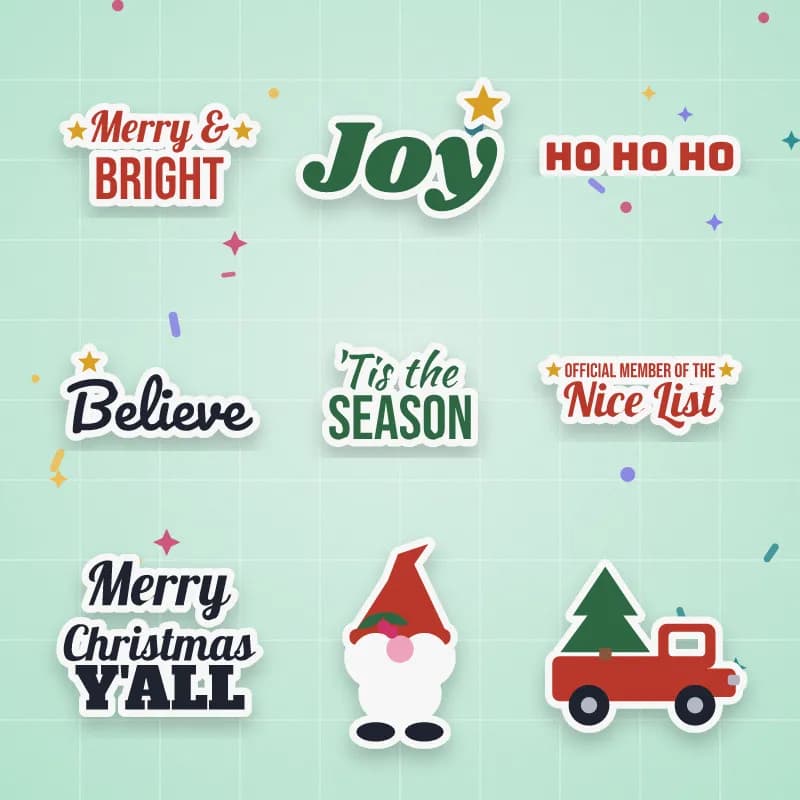
Mockups made with files from the Playbook and the seasonal pack.
Laid out on Letter paper with the bleed already set. Print, then cut.
Each color on its own layer, named in stacking order.
Cut, score and write lines ready to attach, like the guide shows.
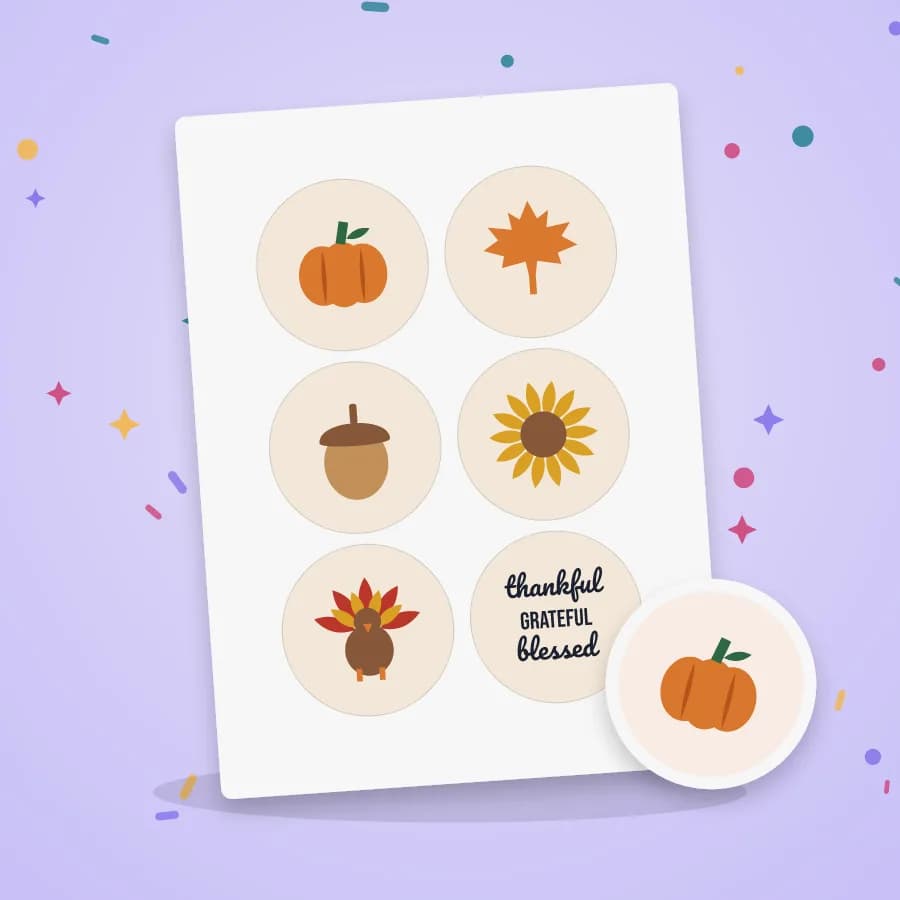
Six to a sheet, hole included. Cardstock or sticker paper.
A single weld-ready layer for mugs, tumblers and signs.
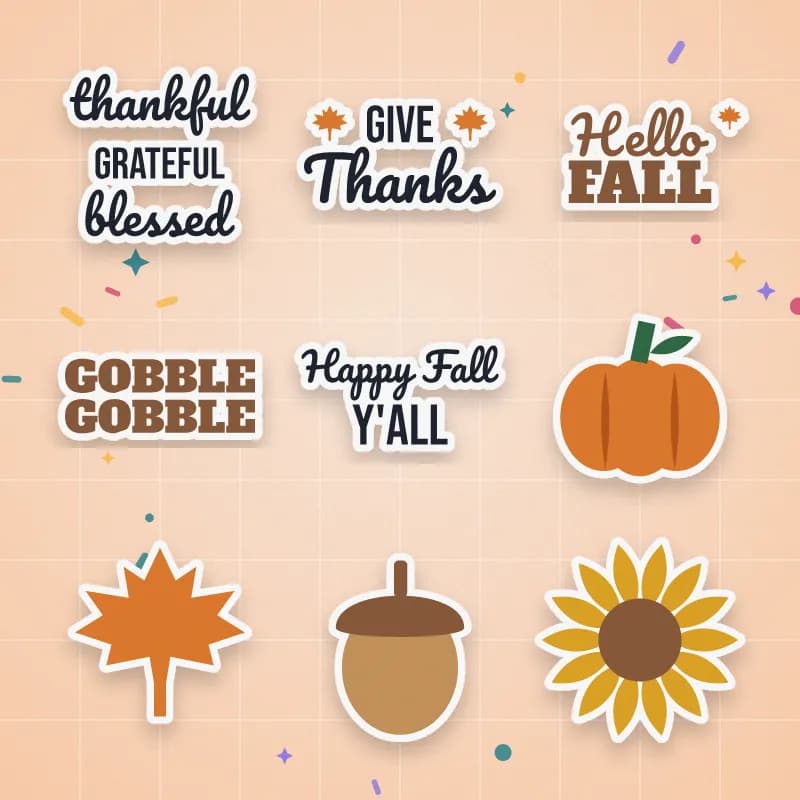
Fall and holiday sets you can add at checkout for a few dollars more.
115 original cut files, sold one by one or in packs. These are the ones makers are cutting right now.
Search by what's going wrong, like “letters cut separately”, or by button name.
Every guide fits one Letter page and reads fine in black and white.
Pop it in a binder next to the machine. No tabs, no scrubbing through videos.
Numbered steps with real screenshots, in the order you'll click.
Practice on the matching file, then make the real thing the same night.
You want the answer to this problem, on the table, right now. So every topic is a single page: what the button does, the steps in order, and the mistake that catches everyone.
We don't try to have the most files on the internet. We give you the right file for each page, so you practice exactly what you just learned.
Get one page from the Playbook free and see if the format works for you.
No subscription. Not happy within 14 days? Full refund, no questions asked.
Not affiliated with, endorsed by, or sponsored by Cricut, Inc. Cricut® and Design Space® are trademarks of their respective owners.
No. There are no hours of video to sit through. Each topic is one printed page you keep next to your machine and glance at while you work.
The guides are about the Design Space software and your home printer, so the Design Space pages apply to every machine that uses it. Print Then Cut needs a machine that supports it (the original Joy, for example, doesn't). Where a step depends on the machine, the page says so.
Only for the Print Then Cut and sticker pages. Everything else works on screen, too, although most people like having the pages printed.
No. You pay $14.90 once and keep access. You'll never be charged again.
Right after checkout you're signed in, and we email you a personal link that opens your Playbook on any phone or computer. No password to remember.
Yes. You can sell physical items you make with them. You just can't share or resell the digital files themselves.
Ask for a refund within 14 days from your Playbook page or by email, and you'll get your money back. No questions asked.
No. We're an independent team. We're not affiliated with or endorsed by the manufacturer. We just write the clear instructions we wish came in the box.